From Sold to Paid: 3 Steps After a Wholesale Vehicle Sale
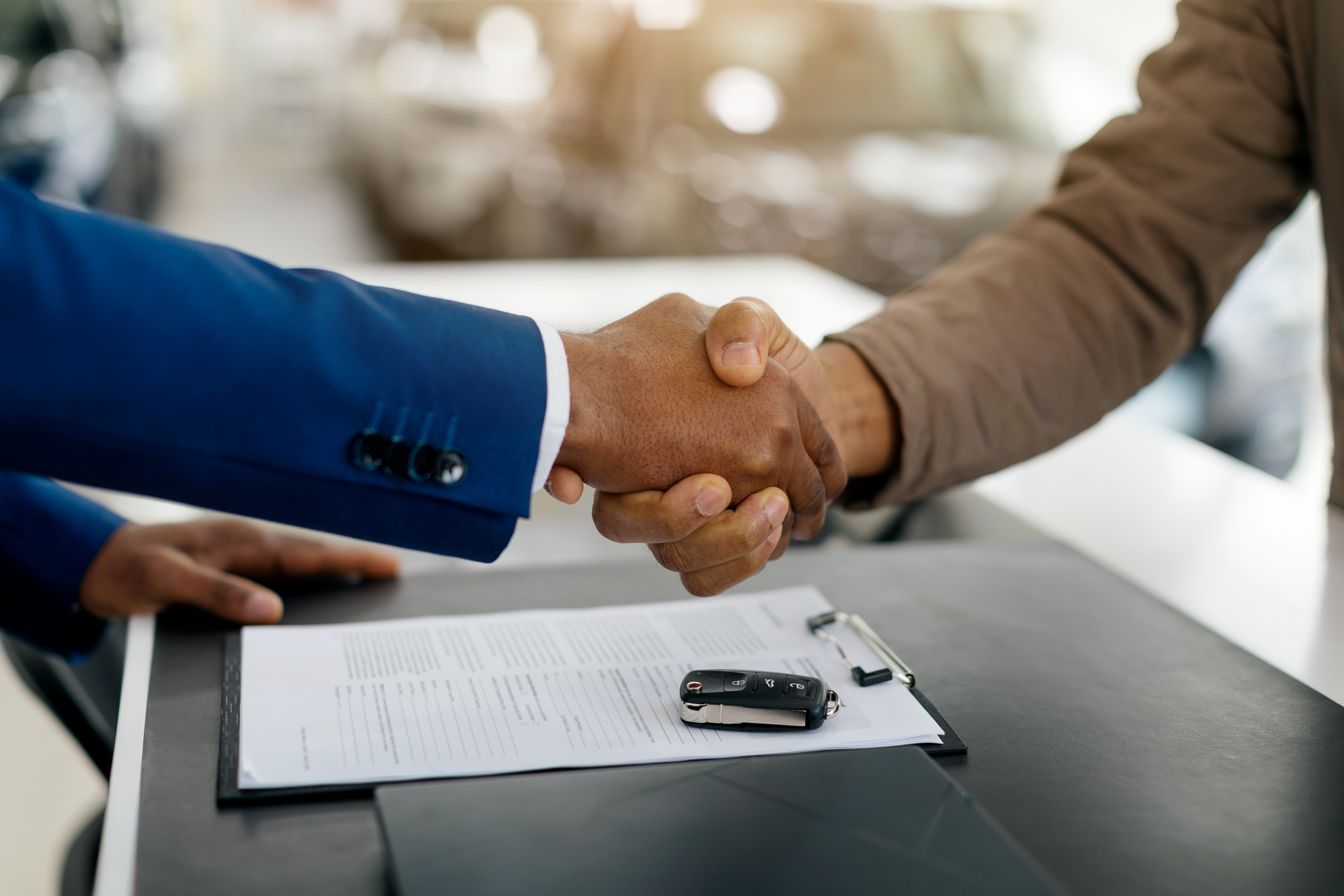
The auction ends, the bidding is complete, and your vehicle has officially sold through OPENLANE’s 45-Minute Auction. It’s a great feeling, and there are still a few simple steps that can help keep the process moving efficiently from sale to payment.
Completing a wholesale vehicle sale is just the start of the process. Preparing the vehicle for pickup, submitting the required documentation and checking the status of your transaction can help support a timely and seamless experience. Taking a few extra minutes after the sale can help reduce delays, keep logistics on track and make it easier for payment to be processed.
Whether you’re selling used cars every day or just occasionally through wholesale auctions, developing a consistent post-sale routine can help streamline your car dealer operations.
Make Sure Your Vehicle Is Ready for Checkout
Before the buyer can arrange transportation, the vehicle must be available for checkout.
If your vehicle is already marked In Stock, it’s automatically available for checkout as soon as the sale is complete. When it’s in your possession, if the vehicle is Not In Stock, you’ll need to update its status to In Stock so the buyer can begin the checkout process.
Taking a moment to confirm the vehicle’s status after the sale helps keep the transaction moving and prevents unnecessary delays before pickup can be scheduled.
Make Sure Your Vehicle Is Ready for Pickup
Once a vehicle is sold, the buyer may begin arranging transportation, so it’s helpful to ensure everything is ready before the carrier arrives. Preparing the vehicle before the transport driver arrives can help avoid unnecessary delays. If the vehicle isn’t where it’s expected to be or the keys aren’t readily available, pickup may need to be rescheduled, which can add time to the overall transaction.
A few things to confirm include:
- Vehicle Status: Keep the vehicle’s status up to date after pickup. If the buyer is using OPENLANE Transport, the vehicle will be marked as Picked Up automatically based on transport updates. If another transportation provider is used, you’ll need to manually update the vehicle’s status to Picked Up after the carrier has collected the vehicle.
- Keys: Place at least one working set of keys inside of the vehicle
- Location: Confirm the vehicle is parked in the location listed so the transport driver can find it easily
Submit Your Ownership Documents Promptly
Once your vehicle is ready for transport, it’s a good idea to submit your ownership documents as soon as possible. Providing complete documentation early allows the transaction to continue moving through the next stages, helping support the vehicle payment process and reducing the chance of unnecessary delays.
Because ownership requirements vary across Canada, be sure to follow the instructions included with the Bill of Sale for your specific province. Taking a few moments to review the required documents before uploading them can help ensure everything is complete the first time.
If the vehicle has an outstanding lien, you’ll also need to clear the lien and provide a lien release letter before the transaction can be completed. Addressing any outstanding liens promptly can help avoid delays in ownership transfer and payment. Seller payment is initiated only after the required ownership documents and any outstanding lien documentation have been submitted and cleared. Addressing these requirements promptly can help prevent delays in payment and ownership transfer.
It’s also important to remember that legal ownership transfers only after payment has been received by the buyer. Following the instructions on your Bill of Sale and submitting the required documentation helps ensure the ownership transfer can be completed correctly.
If you’re ever unsure which documents are required, reviewing your transaction details before submitting can help avoid additional follow-up later.
Keep an Eye on Your Sale Status
OPENLANE provides visibility into each stage of the transaction, making it easy to check progress whenever you need to.
Three areas worth reviewing after a sale are:
- Payments: View the current payment status and see if any additional information is required.
- Accounting: Confirm your Electronic Funds Transfer (EFT) and banking information is current so payments can be processed without delay.
- Sold: View all your vehicles successfully sold in the 45-minute auction and check the title and lien status.
Checking these sections periodically gives you a clear picture of where your transaction stands. Rather than wondering whether the documents have been received or payment has been initiated, you can quickly view updates and determine whether any action is needed.
It’s also a good idea to review your banking information from time to time, particularly if your dealership has recently changed financial institutions or account details. Keeping this information current helps ensure payments are deposited to the correct account without interruption.
Helpful Tip: Once seller requirements have been completed, the vehicle is lien-free and banking information is up to date, payment is typically issued by EFT within two business days.
Why A Post-Vehicle Sale Process Matters
For dealerships selling used cars, every wholesale vehicle sale involves several moving parts. From transportation and documentation to payment processing and ownership transfer, each step plays a role in completing the transaction successfully.
Having a simple post-sale routine can improve car dealer operations by helping reduce common issues like missing paperwork, payment delays, or rescheduled vehicle pickups. It also supports faster inventory turnover, allowing you to make room for incoming inventory and keep your business moving.
Small actions, like confirming pickup readiness, uploading paperwork promptly or reviewing your account details, can make a meaningful difference in how smoothly each sale progresses.
Keep Every Wholesale Vehicle Sale Moving Forward
By preparing the vehicle for pickup, submitting ownership documents promptly and regularly checking your seller tabs, you’ll have greater visibility throughout the transaction and be better positioned to avoid unnecessary delays.
If you’ve recently completed a sale, now is a great time to log in, review your transaction status and confirm your payment details. Building these simple habits into your workflow can help support stronger car dealer operations, improve cash flow and make every wholesale vehicle sale easier to manage.
Frequently Asked Questions about the post-auction process
Can I update my banking information after a vehicle has sold?
Yes. You can update your Electronic Funds Transfer (EFT) banking information through your OPENLANE account on the Accounting page. Keeping your banking details current helps support a smooth vehicle payment process and ensures payments are deposited to the correct account.
How can I check the status of my payment?
You can track the status of your transaction through the seller tabs. The Payments section provides updates on your payment progress and lets you know if any additional information is needed before funds can be released.
What happens if my vehicle has an outstanding lien?
An outstanding lien may affect the completion of your wholesale vehicle sale and could impact the payment timeline. If your vehicle has an outstanding lien, you’ll need to clear the lien and submit a lien release letter. You can do this after the sale to help keep the transaction moving. Seller payment is initiated only after the required ownership documents and lien documentation have been submitted and cleared.
Who should I contact if I have questions about my transaction?
If you have questions about your documentation, payment status, transportation, or another part of the sales process, the Support team is available to help guide you through the next steps. You can find our Support hours below.
888-260-4604
Monday – Friday: 7:00 a.m. – 8:00 p.m. ET
Saturday: 9:00 a.m. – 6:00 p.m. ET